Claude Meets Looker: Building Smarter, Connected Analytics with Google’s MCP Toolbox
As well as Looker’s new built-in Conversational Analytics feature, you can now connect Looker to AI assistants such as Claude from Anthropic along with agentic developer tools such as Windsurf and Claude Code through Looker’s new Model Context Protocol (MCP) server, available as part of Google’s new MCP Toolbox open-source toolkit.
Why Connect Claude to Looker’s Semantic Layer & Tools?
While the official Looker Conversational Analytics is a great introduction to natural language querying of data in your Looker semantic layer and is improving release-by-release, connecting Looker as both a trusted source of business data and a set of data visualization tools opens-up a number of new possibilities, including:
- Cross-Explore Analysis: Go beyond the scope of a single explore to ask complex questions that synthesize data from multiple sources such as Jira, marketing analytics and sales CRMs, all within one conversation.
- External Service Integration: Connect Looker’s analytical power with other business-critical platforms, enabling you to enrich your data with context from services like Google Drive or Atlassian or even trigger actions, like updating a deal record in HubSpot based on your findings.
- Advanced Agentic Reasoning: Leverage Claude’s sophisticated reasoning and strategy engine to tackle ambiguous or multi-part questions, resulting in more comprehensive and actionable insights than might otherwise be possible with Looker’s built-in Conversational Analytics feature
Adding Looker as a Connector to Claude
Details on how to set-up the MCP Server for Looker are in the MCP Toolbox docs and get you to the point where you can connect Claude Desktop to Looker via a local install of MCP Toolbox, or you can deploy MCP Toolbox on the internet via Cloud Run so that it can be accessed by all the users in your Claude Team plan without the need for a local install (*)
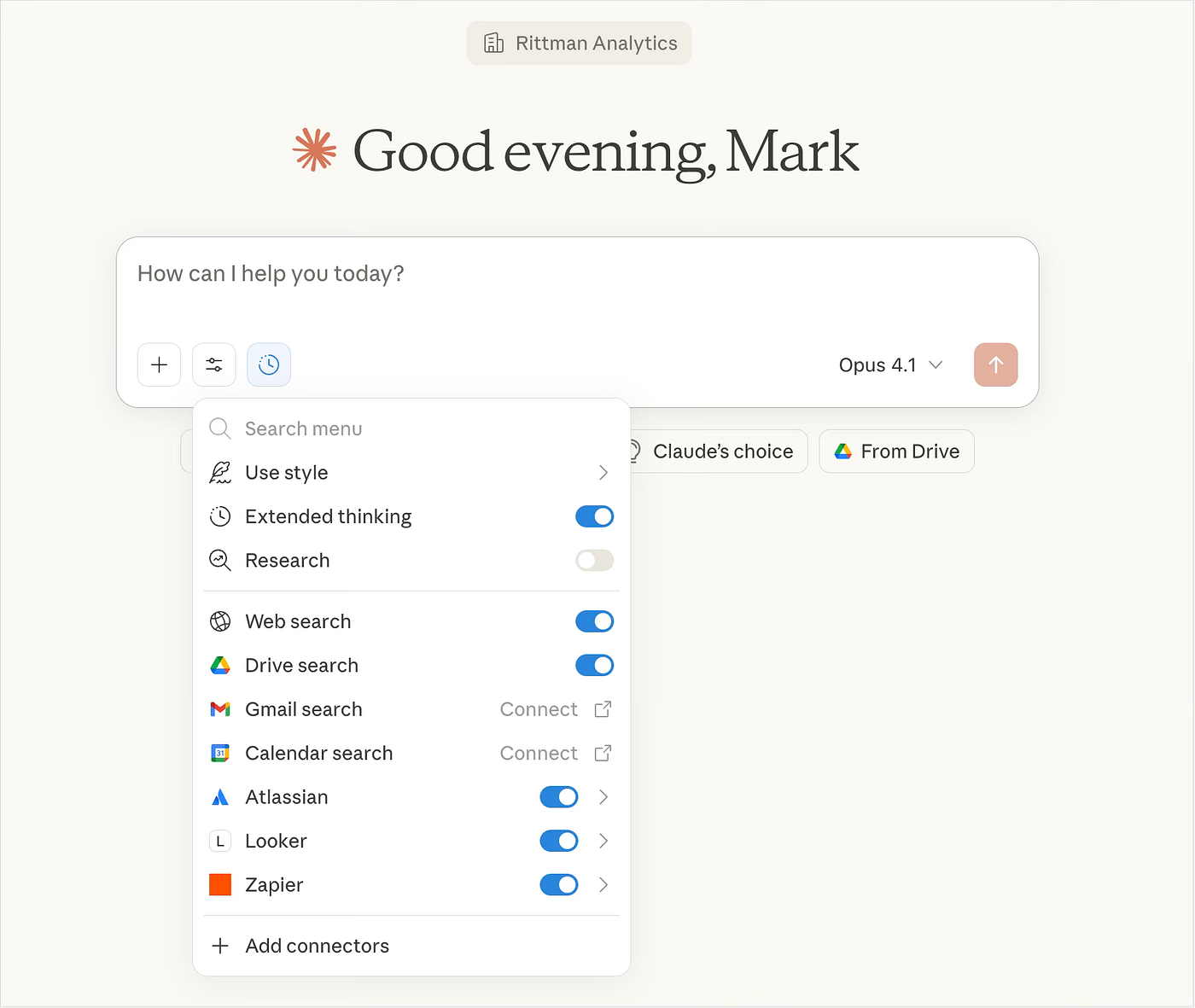
If you take a look at the tools this new Looker connector makes available to Claude, as well as querying data from your Looker semantic layer you can also use it to create dashboards and looks to visualize that data, opening-up the possibility of automating whole sections of your data analysis process.
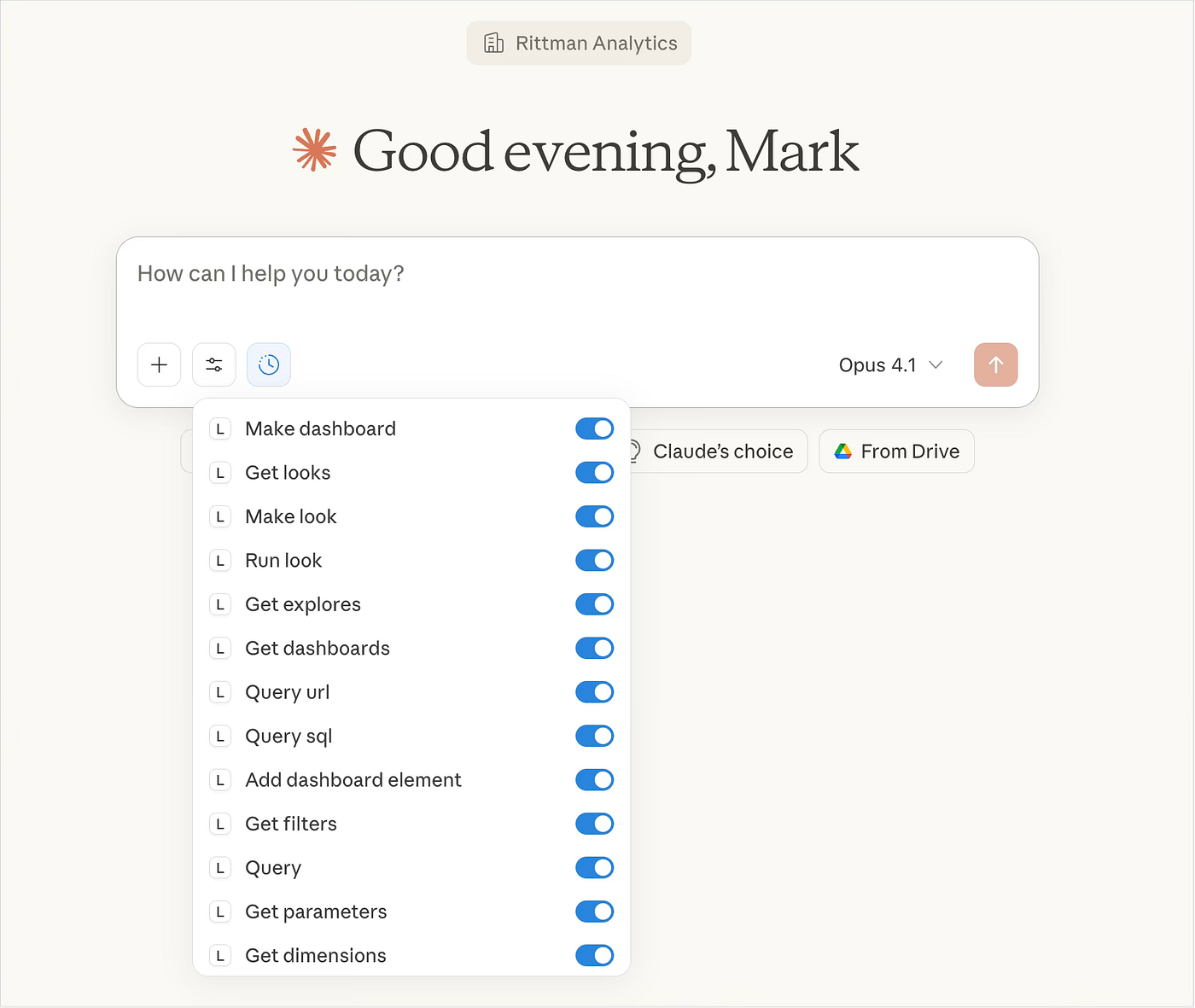
(*) note however the current technical limitation where access to this feature via MCP client, as opposed to Google’s own toolbox SDK, is unauthenticated; this means that you’ll either need to add your own oAuth layer around MCP Toolbox if using it via Cloud Run or restrict usage to Claude Desktop and a locally-running install of MCP Toolbox. Google AgentSpace also uses MCP Toolbox and Cloud Run but does so using its SDK which is secured, but good-luck getting access to AgentSpace or the connector working).
An Example Claude + Looker Scenario
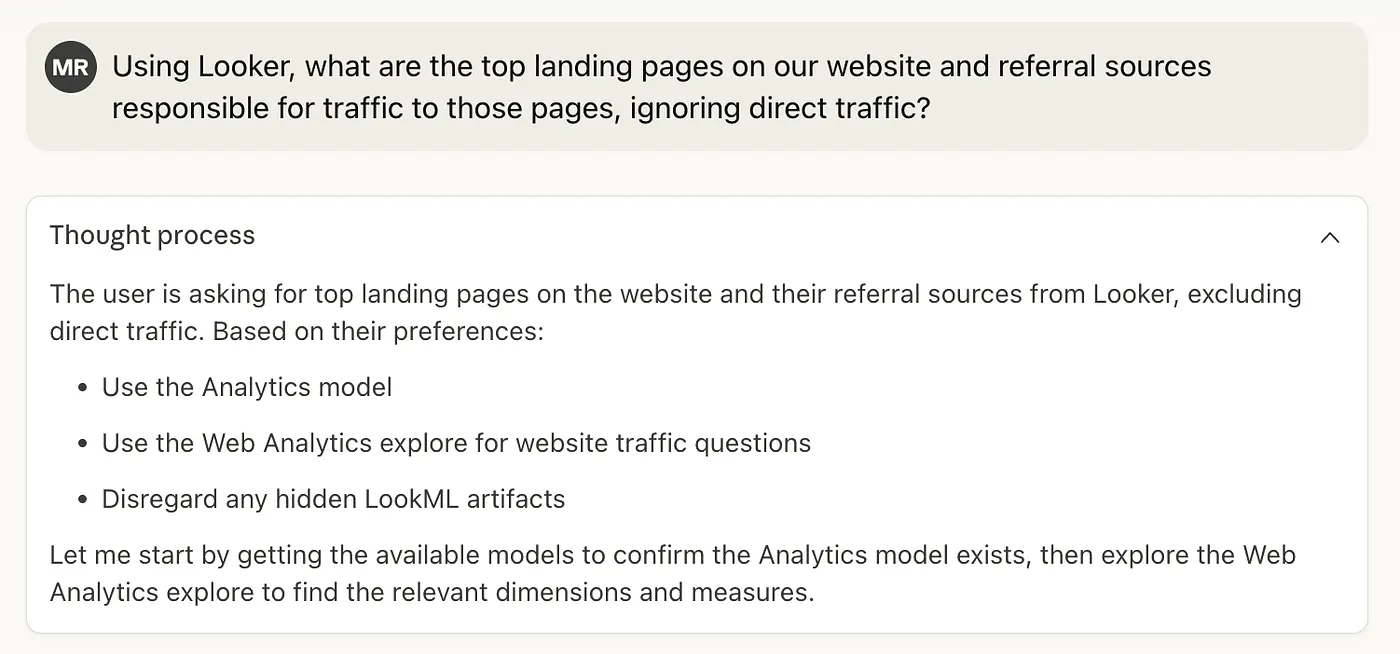
To see how this integration with Claude can work, let’s use a marketing scenario where I’m looking to better-understand the commercial impact of our recent social media blog posts. Using the Claude.ai chat interface I ask the question:
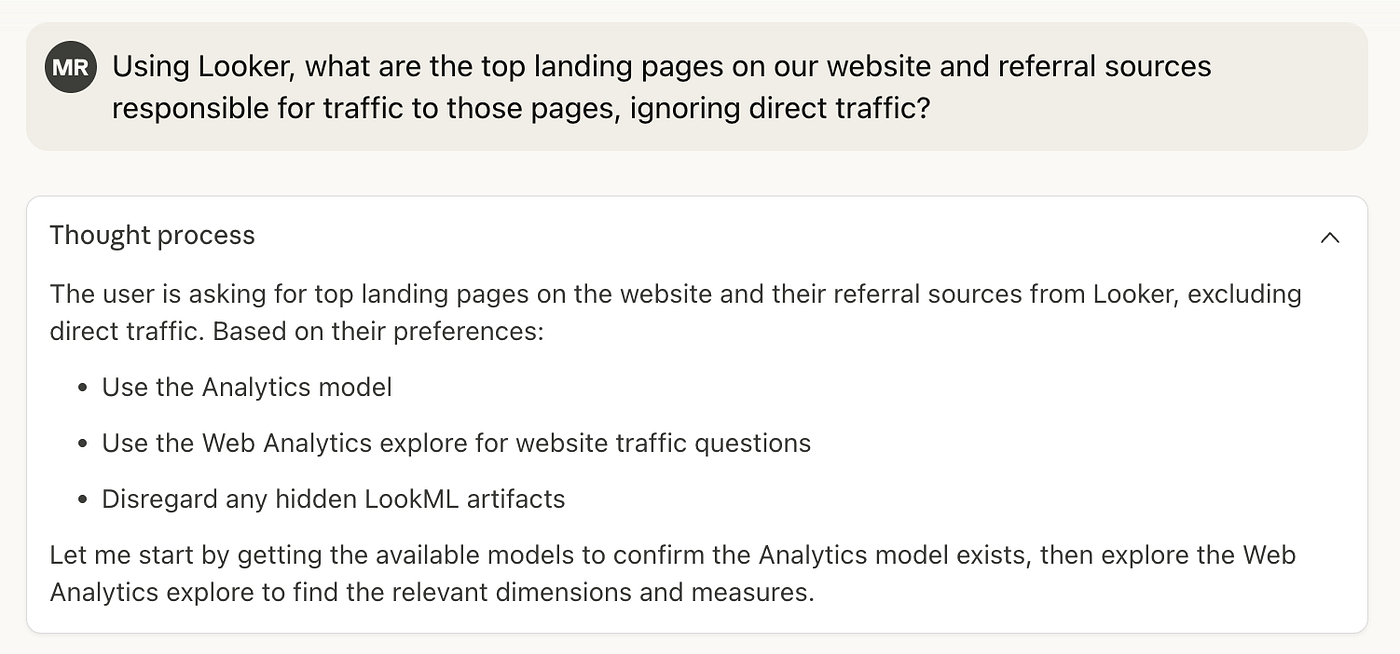
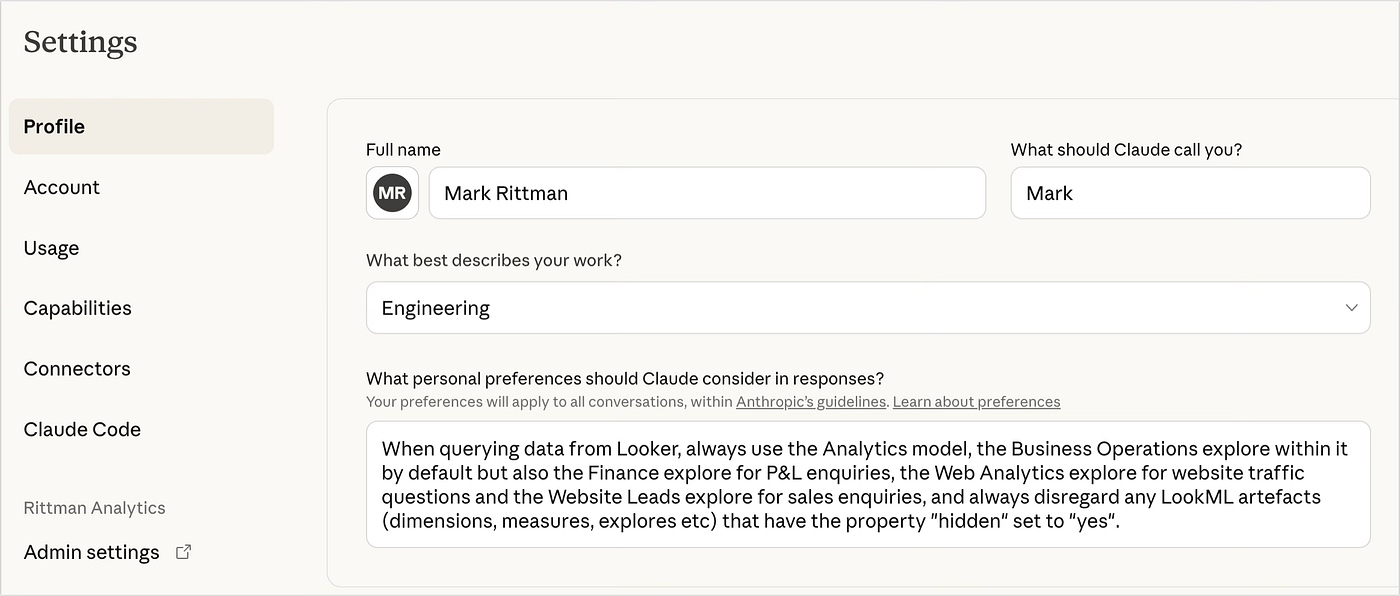
The thought process under my question shows the thinking Claude’s agentic process applies to answering my question; the preferences the thought process is referring to are ones I’ve added to my Claude profile to help steer it to the main explores I use, and to tell to ignore measures, dimensions and items in the LookML semantic layer marked as “hidden” and not to be used for queries.
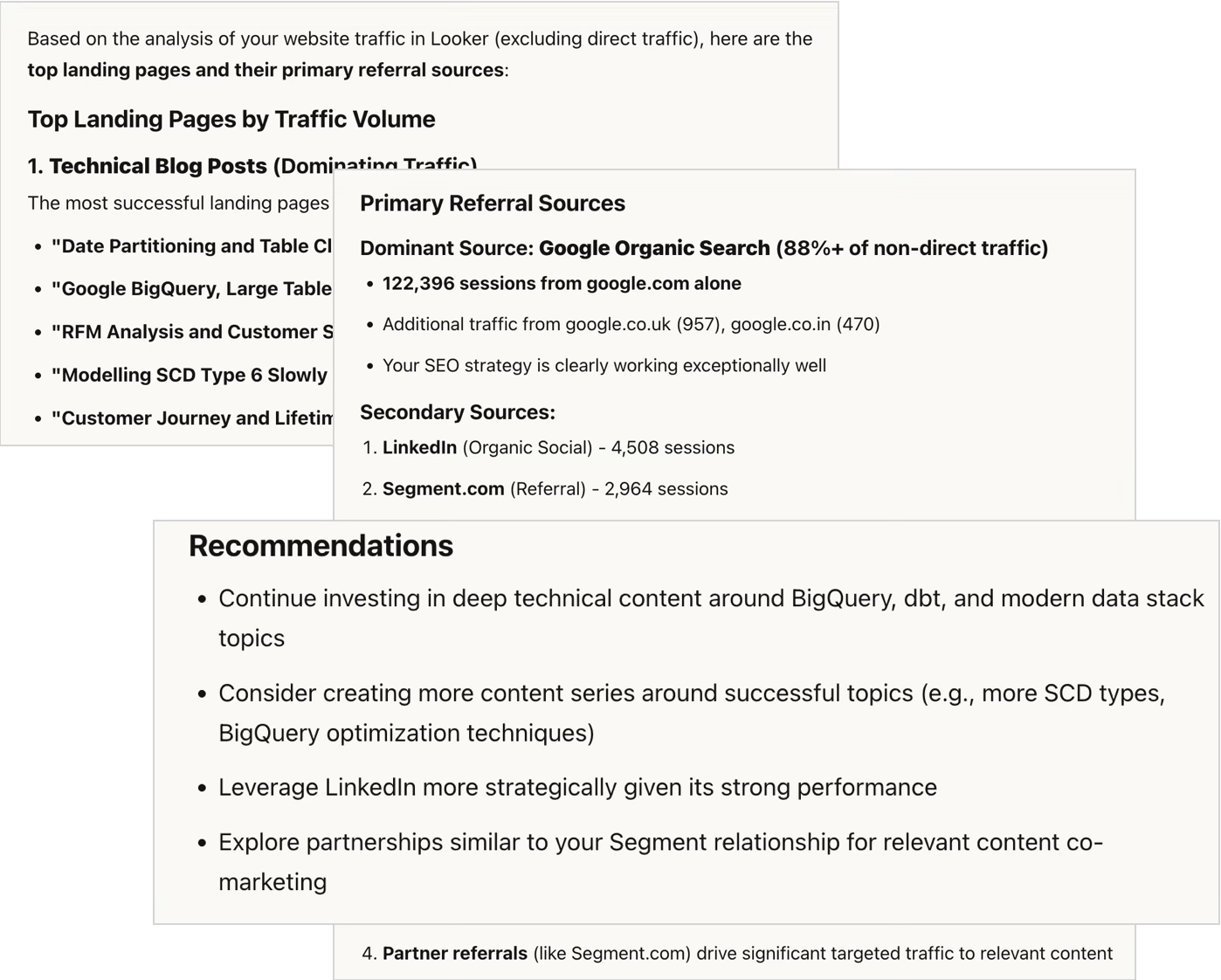
Claude’s response is pretty-comprehensive with a listing of our top landing pages by traffic volume, analysis of our main sources of referral traffic and a set of recommendations on what type of content to write in-future.
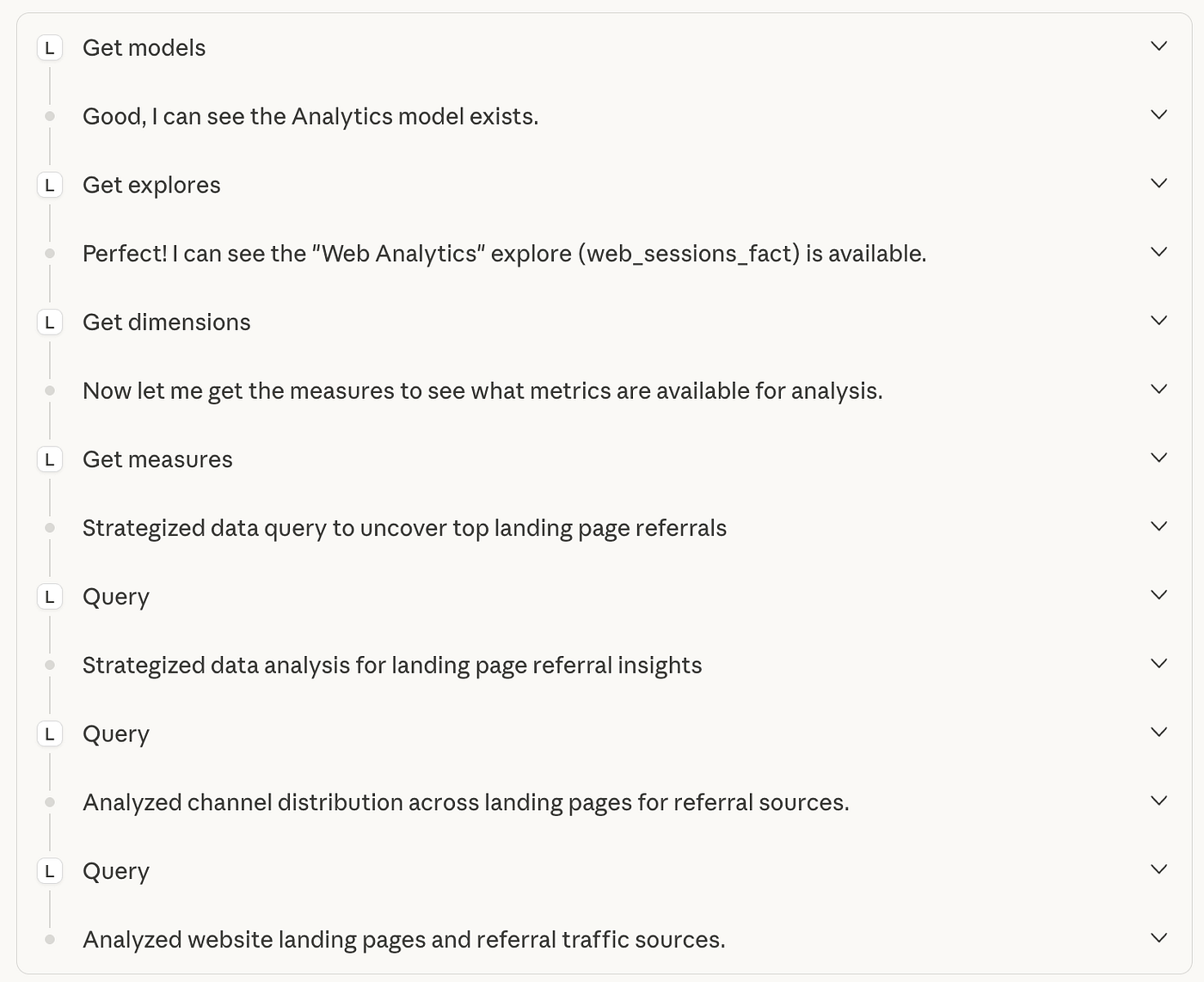
Looking at the set of steps Claude ran through to come-up with an answer, you can see the Looker tools from the MCP Server being used used to provide trusted metrics, page view and traffic source data for Claude’s Opus 4.1 LLM.
Leveraging Claude to Answer Complex Looker Questions
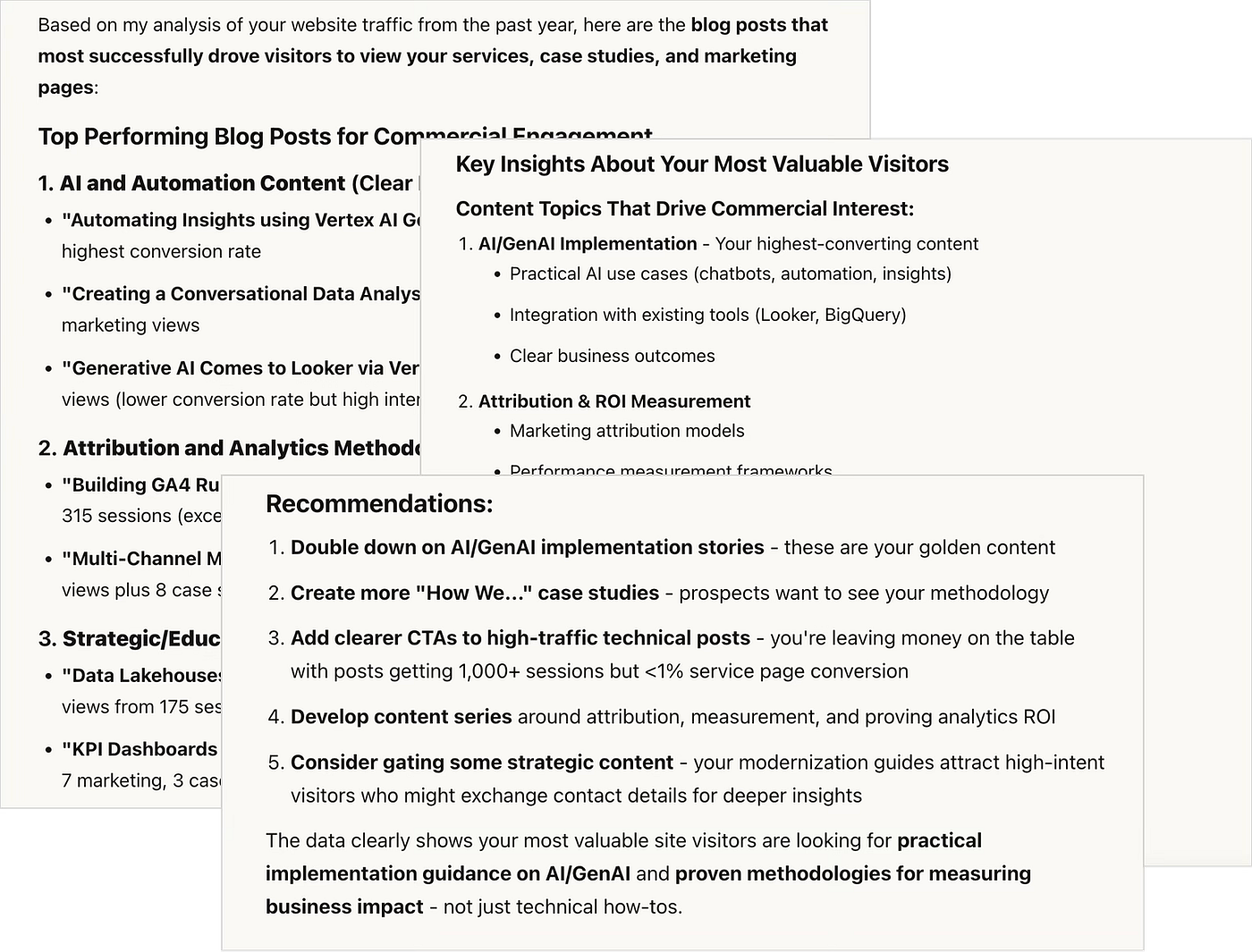
I then ask a follow-on question, specifically about which blog posts were the most successful in bringing-in traffic that then went-on to look at details of our services, case-studies and other marketing funnel content?

Now this is what I call “self-service BI”; with the caveat that, as you’d probably expect from a specialist Looker Google Partner our semantic layer is pretty-well structured and annotated with AI usage in-mind, but Claude is able to understand the intent of our question, find exactly the right items in our Looker explore and come-back with a pretty-insightful answer.
Automating the Creation of Looker Dashboards
Then I ask Claude to create me a Looker dashboard to monitor the commercial impact of our blog activity, and create documentation for that dashboard in Confluence, another MCP Server we’ve made available to our Claude users.

Now the dashboard Claude creates isn’t going to win any design awards but it’s a starting point, and the time-saving and completeness it brings to creating user guides in the places users expect to find them is obvious.

Enriching Your Looker Data using Hubspot and Google Drive
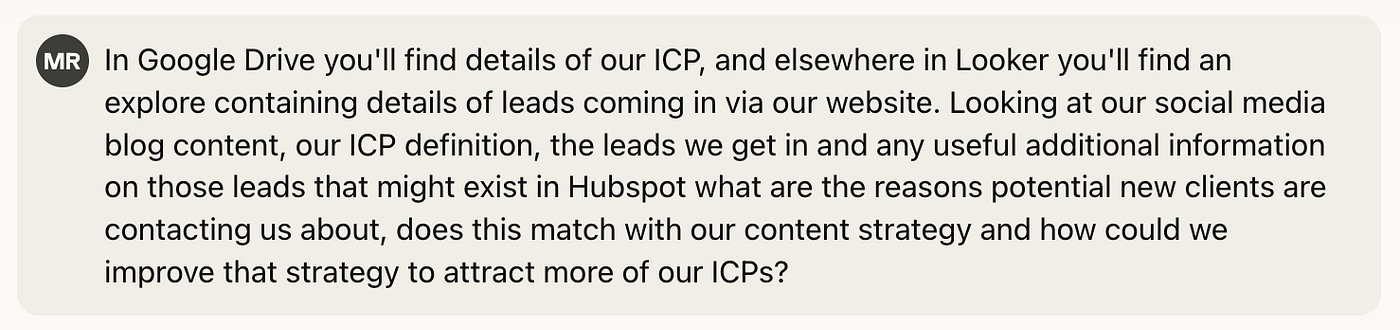
And in my final question I make use of Claude’s connectors to our Hubspot CRM system, for richer details on our clients and our historic sales pipeline, along with a connector to our Google Drive documents to add context on our ideal customer profile (ICP):
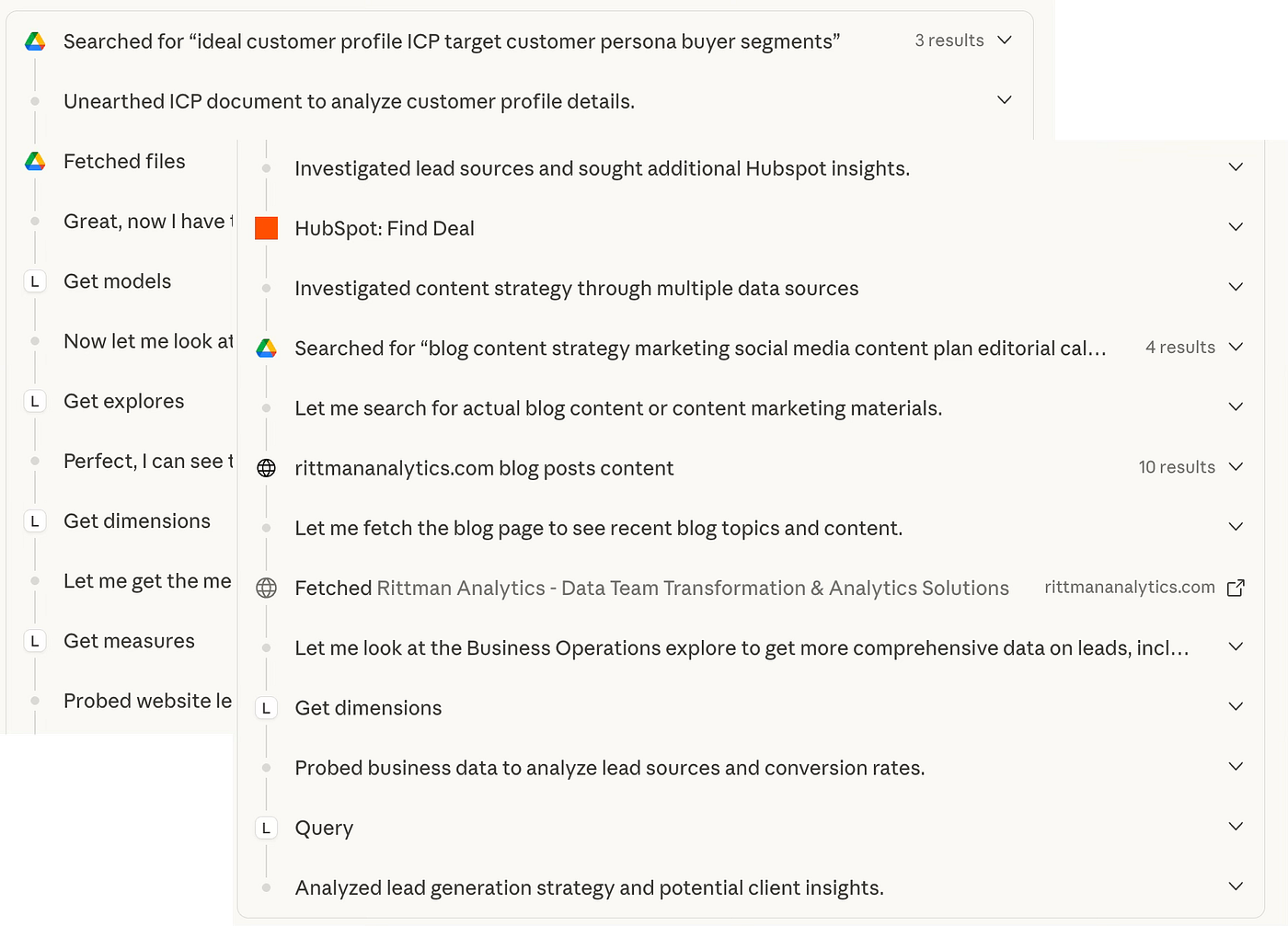
Looking at the strategy Claude’s agent uses to answer my question, you can see these new sources along with Looker being used to answer the question:
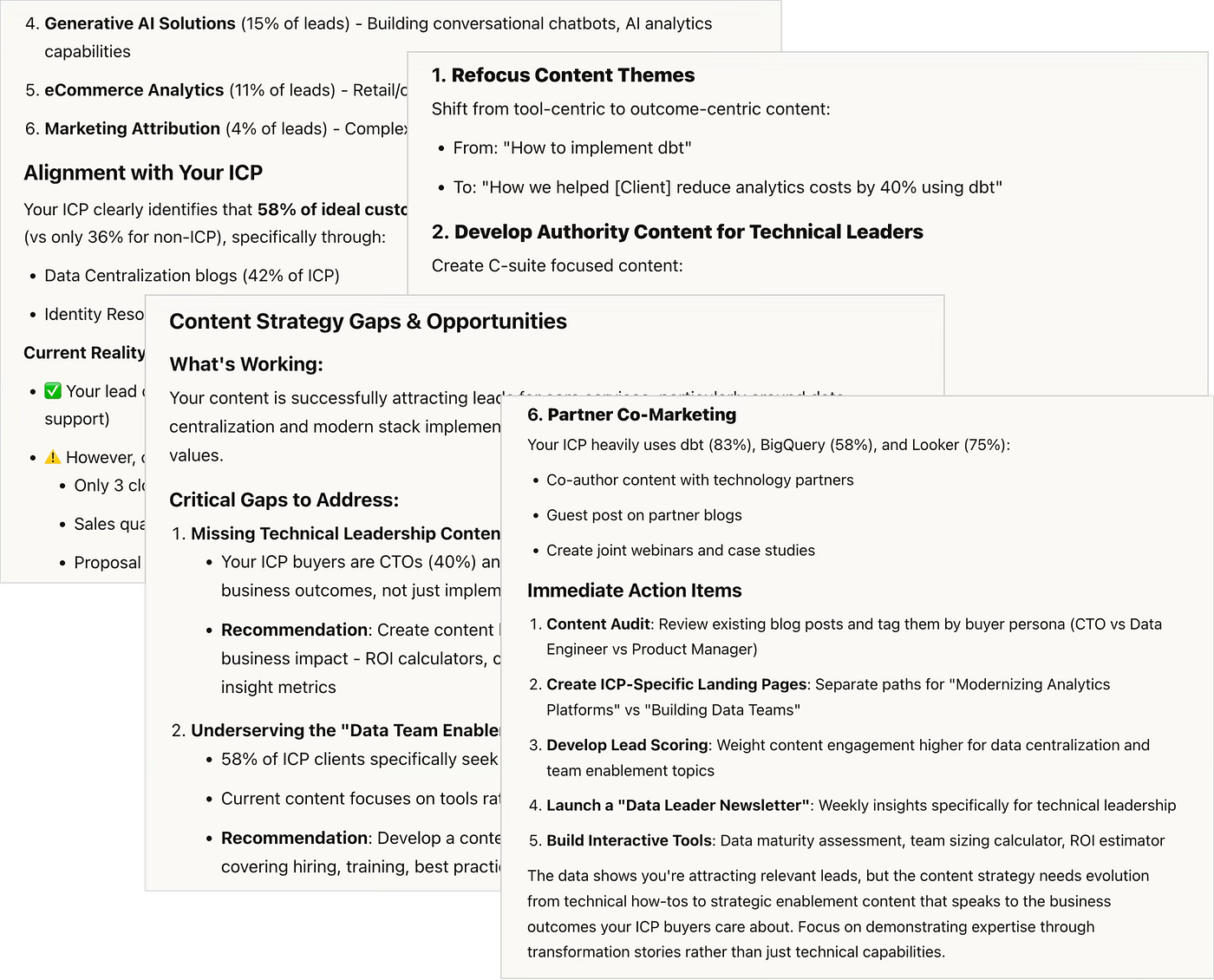
… and Claude’s final response, incorporating marketing and website data analytics from Looker, CRM data from Hubspot and details of our specific ICP definition from Google Drive is, honestly, better researched and more actionable than most I’ve seen in my career.
INTERESTED? FIND OUT MORE!
Rittman Analytics is a boutique data analytics consultancy that helps ambitious, digital-native businesses scale-up their approach to data, analytics and generative AI.
We’re authorised delivery partners for Google Cloud along with Oracle, Segment, Cube, Dagster, Preset, dbt Labs and Fivetran and are experts at helping you design an analytics solution that’s right for your organisation’s needs, use-cases and budget and working with you and your data team to successfully implement it.
If you’re looking for some help and assistance with connecting Claude to Looker or would just like to talk shop and share ideas and thoughts on what’s going on in your organisation and the wider data analytics world, contact us now to organise a 100%-free, no-obligation call — we’d love to hear from you!
Recommended Posts
Claude Meets Looker: Building Smarter, Connected Analytics with Google’s MCP Toolbox
Rittman Analytics 2025 Wrapped : A Year of Platforms, People and High-Performing Data Teams
From Prompts to Skills: Automating Financial and KPI Analysis in Looker with Claude Skills and MCP Toolbox